
Read the exam’s instructions, time limit, and deadline before starting. Opening its information page does not start the timer; choosing Start exam does.
Start and submit
- Open Your Exams while signed in. If you received a private exam invitation, use that link instead.
- Check the instructions and make sure you can complete the attempt within the available time.
- Choose Start exam when ready.
- Answer the questions. Watch the save status; use Save progress if you need an explicit save.
- Choose Submit answers and confirm when prompted. Check that a submission receipt appears.
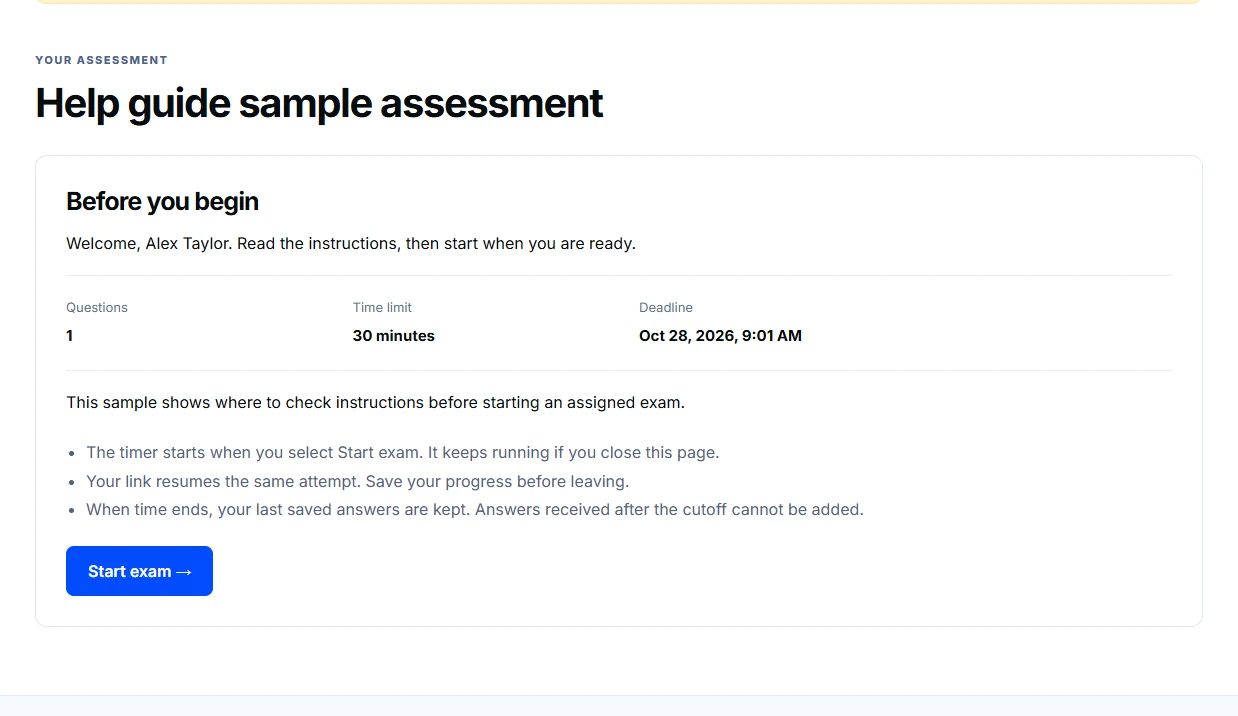
Closing the page does not pause the timer. The earlier of the invitation deadline and the attempt’s time limit controls when editing ends. Keep the page open long enough for your latest answers to save.
If saving or access fails
Read the error before retrying. A failed save is not confirmation that your latest edits were stored. Reopen the same permitted attempt to resume; a new tab does not create extra time. If access has expired or been withdrawn, contact the person who arranged the exam.
Do not include a private exam link, password, or your answers in a public comment.