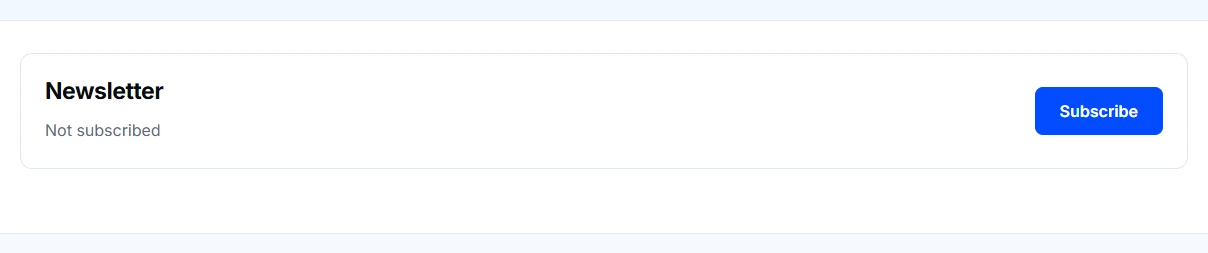
Read the available newsletter names and check which ones say Subscribed.
Choose Subscribe for updates you want or Unsubscribe to stop a subscription.
Check that the page confirms the preference was saved.
Available newsletters show your current subscription and an action to change it. This sample account has not subscribed.
If no newsletters appear
An empty list does not indicate a registration problem. Check that you are signed in to the expected account. If a newsletter you expect to see is missing, contact us for help.
What the preference controls
These controls manage newsletters associated with your account. They do not unsubscribe you from account verification, password recovery, or messages needed for a support request or application.
When asking for help, describe the newsletter or email without sharing private account links.
We value your privacy
We use cookies to keep this website working and, with your permission, enable additional features, measurement and advertising. Accept all, reject all optional cookies, or learn more to customize your choices. Necessary cookies stay active.