Explain the problem, intended result, and constraints in your first message.
You do not need a finished specification to start a conversation. A concrete example gives us more to work with than a list of technologies.
Send the enquiry
Open Contact Us. Service-page project buttons lead there too.
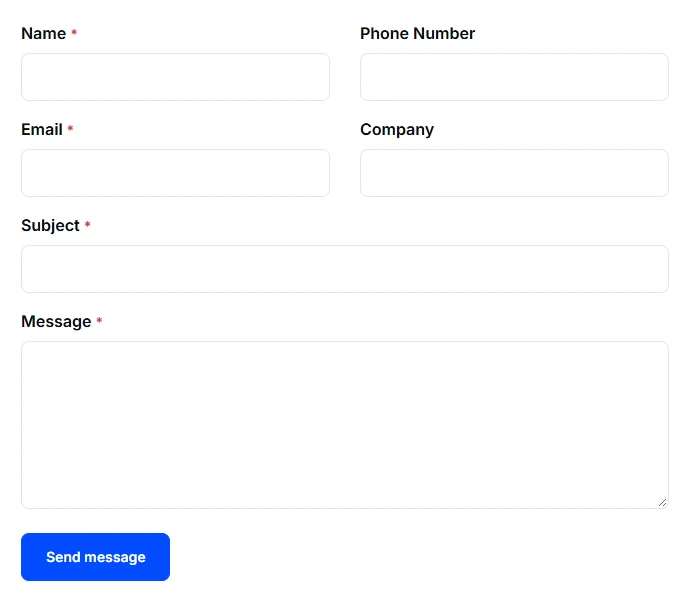
Enter your name, email, subject, and message. The form marks required fields; phone and company are optional.
Describe what happens now, who it affects, and what you want to work differently. Include relevant systems, a target date, and a budget range if you have one.
Send the message once and wait for the website’s confirmation.
The Contact Us form. Use the message to explain the problem, intended result, and constraints.
What happens next
The enquiry is reviewed so the work, priorities, and next steps can be clarified. A form submission does not by itself agree a price, schedule, or scope. Read Agree scope, reviews, and handover before planning work around an assumption.
For a problem you want to track through your account, use a support request. Keep passwords and private access links out of the initial enquiry.
We value your privacy
We use cookies to keep this website working and, with your permission, enable additional features, measurement and advertising. Accept all, reject all optional cookies, or learn more to customize your choices. Necessary cookies stay active.