
Create a client account when you want to save learning progress, send support requests, or manage the features available in My Account. Browsing the public website does not require registration.
Register
- Open Create a client account.
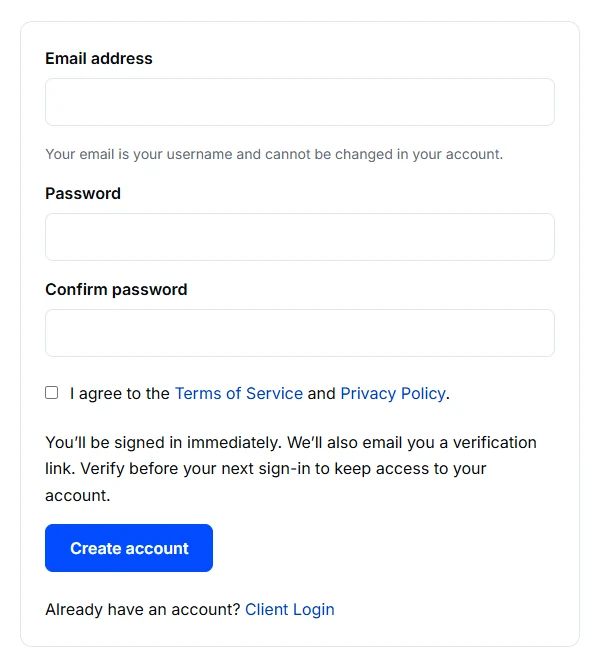
- Enter the email address you will use to sign in. Check it before continuing: you cannot change it in your profile.
- Choose a password, enter it again to confirm, and read and accept the Terms of Service.
- Submit the form. A successful registration signs you in immediately.
- Open Profile to enter your name and other details, then choose Save Profile.
Verify your email
Open the verification email and confirm using the page it links to. The website notice remains until verification is complete. Your first session can be used before verification, but your next sign-in requires it.
If registration does not work
If the email is already registered, use Client Login or the password-recovery option. Creating another account will not transfer existing tickets or exam assignments.
If the form reports a temporary limit, wait before trying again. For an address entered incorrectly, use Contact Us to ask for help.