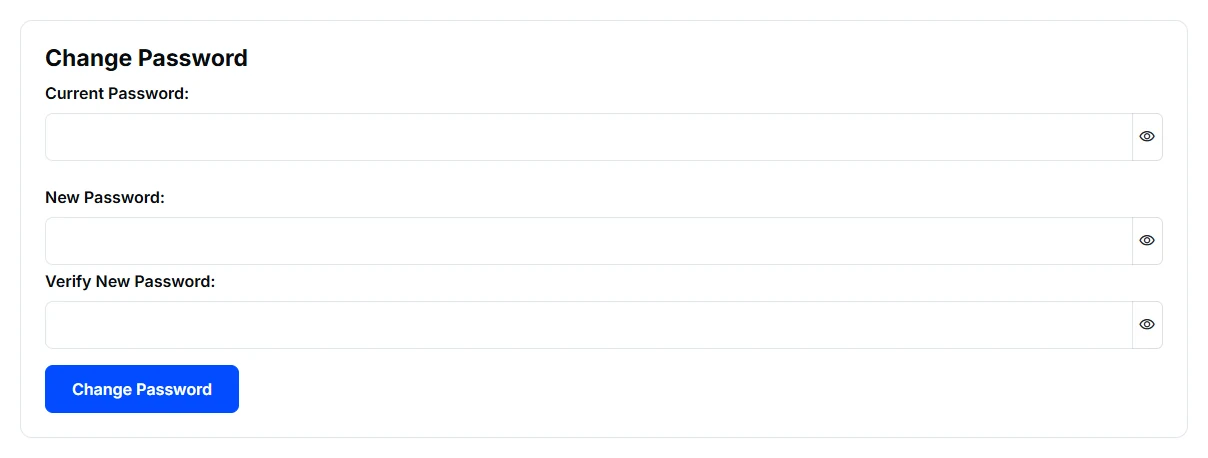
Enter the information requested by the form, confirm your new password, and save.
Change Password is under Connection & Security. This example has no passwords entered.
Recover a forgotten password
Open Client Login and use Reset Password. Enter your account email and follow the recovery email. If you request another reset, use the newest link. If recovery is unavailable or the email does not arrive after checking spam, use Contact Us.
Update your profile
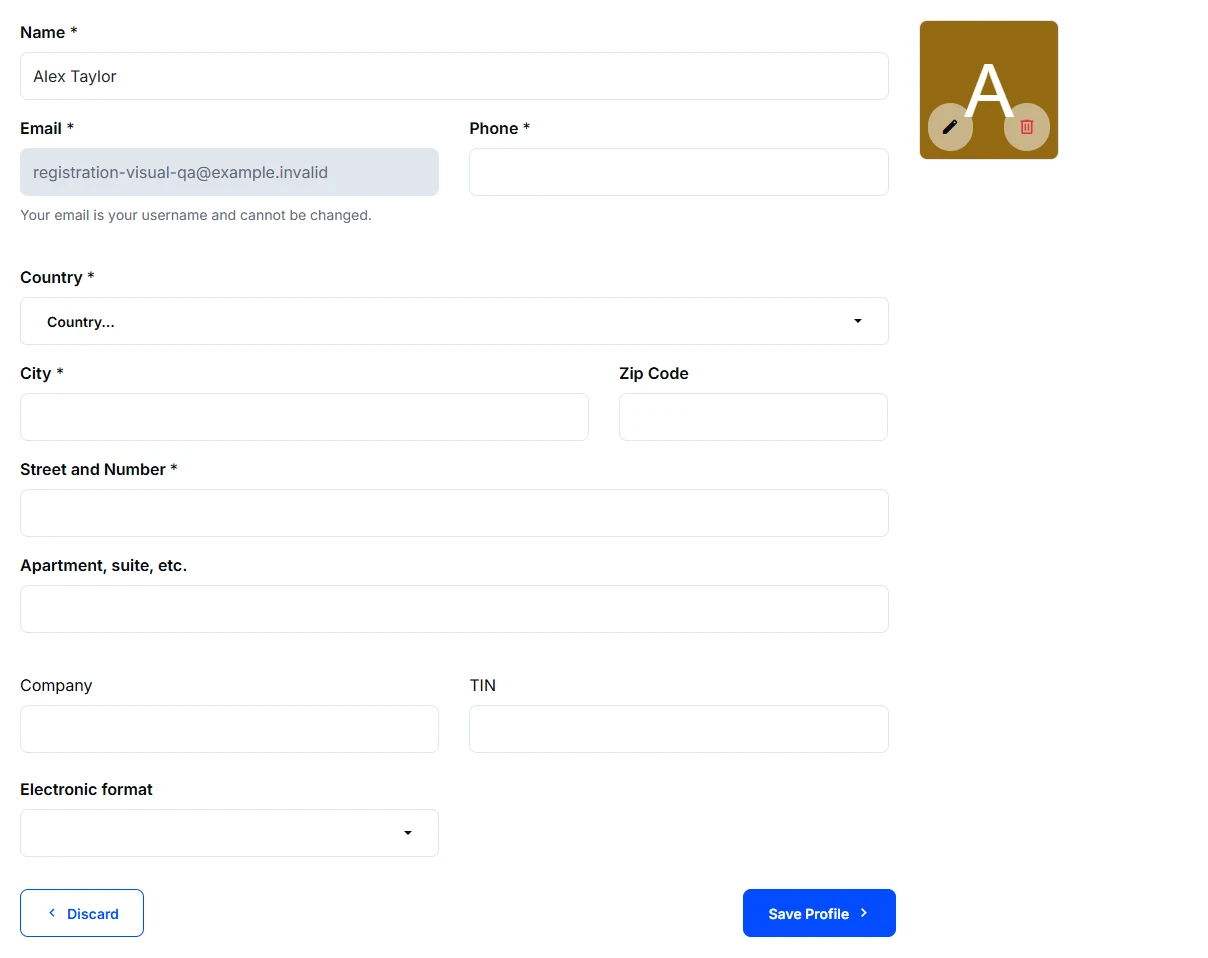
Open Profile, update your name, phone, address, or profile picture, and choose Save Profile for changes made in the form. Discard leaves those form edits unsaved. The website header uses your uploaded picture when available and a person icon otherwise.
Sample profile: the grey email field is read-only. Save Profile keeps form changes; Discard leaves them unsaved.
Your email is also your sign-in name and cannot be edited here. Contact us if it needs an account-support review. Signing out of a shared device helps keep the next visitor out of your account.
We value your privacy
We use cookies to keep this website working and, with your permission, enable additional features, measurement and advertising. Accept all, reject all optional cookies, or learn more to customize your choices. Necessary cookies stay active.