
Use this guide to decide whether an extraction contains the material needed for your next task. A large word count or a successful response is a starting point for checking completeness.
Request the information you need
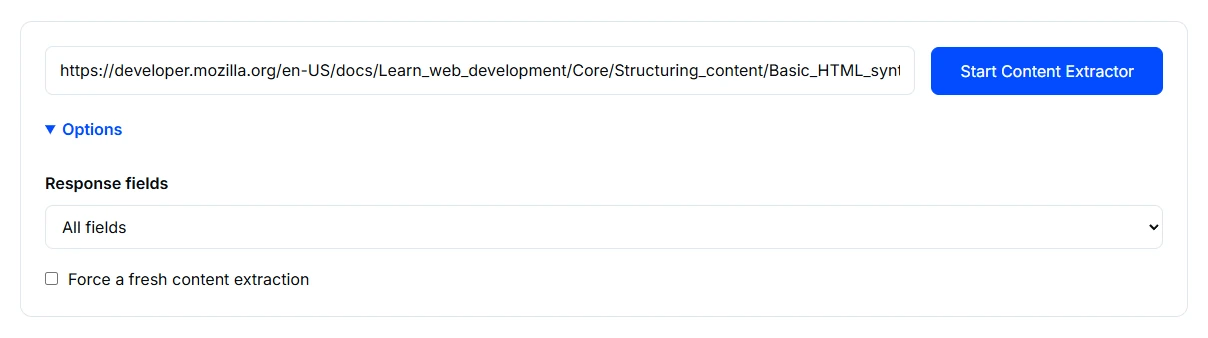
- Open Content Extractor and enter the complete public URL. Check that it opens without signing in.
- Expand Options to choose response fields. All fields are selected initially; if you request a subset, record the selection so you know which information was actually requested.
- Use Force a fresh content extraction when the page has changed and a new retrieval is needed. Choose Start Content Extractor and wait for the response.
Submit only content you are authorised to analyse, with no credentials or private tokens in the URL. Read the tool privacy information before submitting.
Read an example report
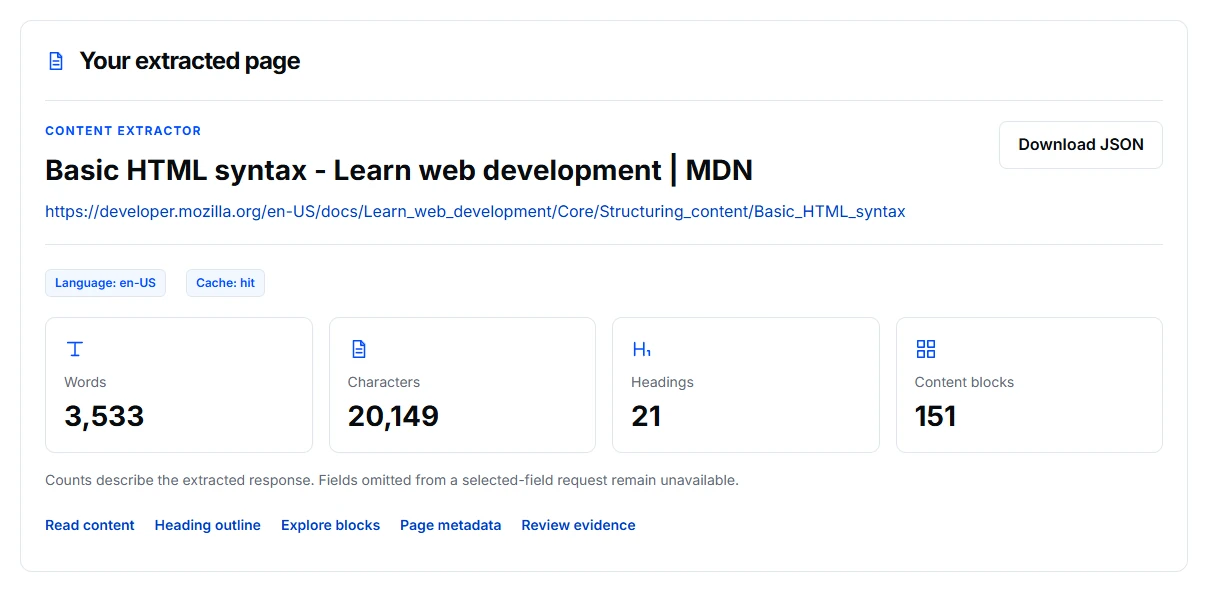
This example requests all fields from the public MDN Basic HTML syntax guide. Start by checking the page identity and counts before using its output in another analysis.
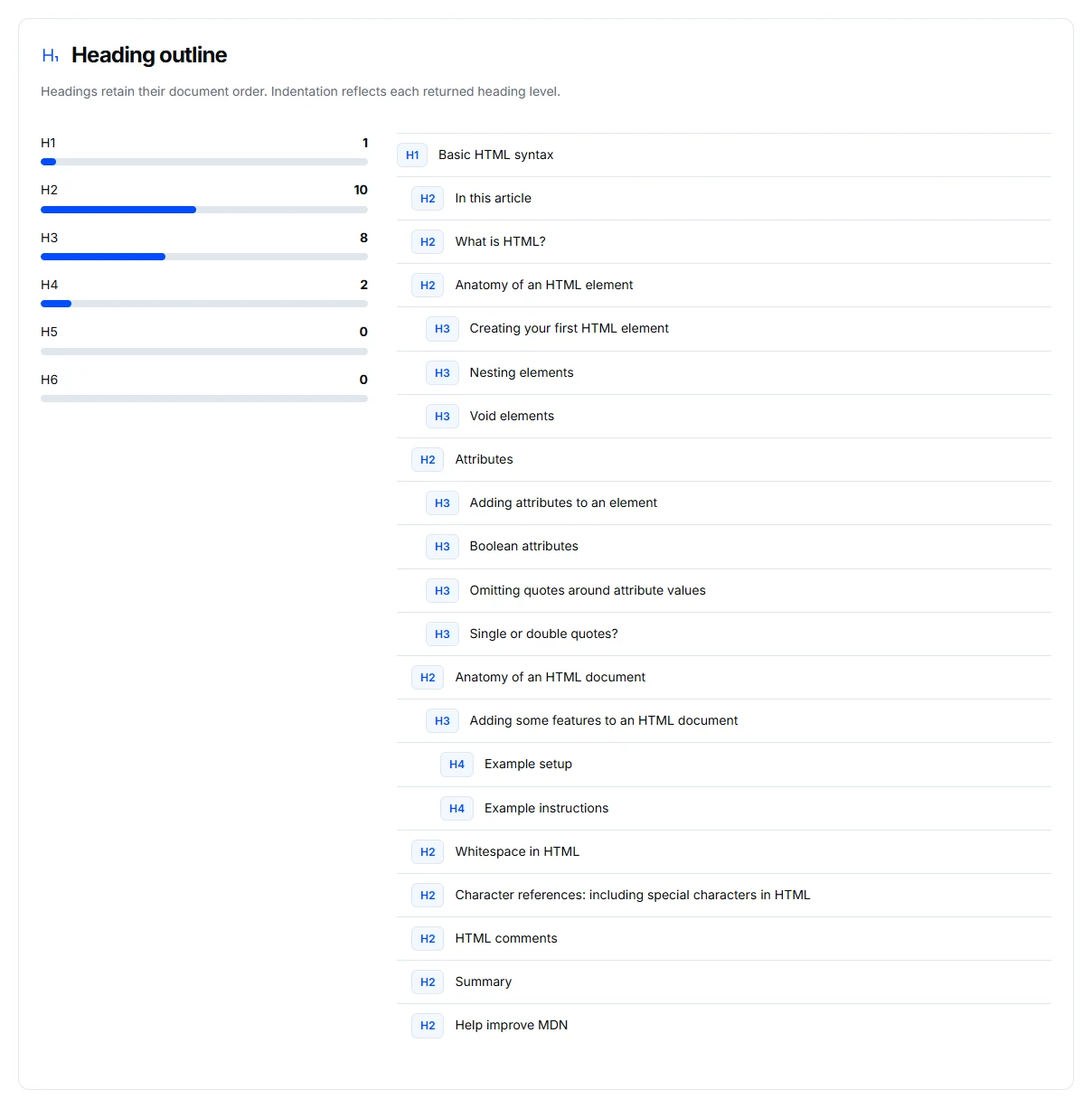
The heading outline gives you a quick way to check whether the expected sections were retrieved. Compare it with the source page. If an important section is missing, do not assume the extraction is complete just because the word count looks substantial.
Use the content-format controls to inspect readable, Markdown, or normalized text, and use Page metadata when the next task depends on the title or description. A cache hit describes how the response was retrieved; it does not certify that every current page detail was captured.
Check identity, structure and text
Confirm the returned page identity first. Then compare the heading outline with the source: the opening section, important middle sections and final section should match the material relevant to your task.
Inspect readable, Markdown or normalized text according to the work you need to do. Check whether navigation and footer material dominate the extraction or whether an important dynamically loaded section is missing. Counts describe the returned content, not proof that every visible page component was captured.
Interpret a missing field
First confirm that you requested the field. If you did, compare it with the source page. The information may genuinely be absent, unavailable to retrieval or omitted during extraction. These cases need different follow-up; an empty result alone does not distinguish them.
Page metadata is useful when the next task depends on a title or description. Any returned trust or evidence material still needs verification. Its presence does not establish that a publisher's claim is true.
Use the extraction in another review
Record the URL, requested fields and whether a fresh extraction was used. Reuse the text only after checking the sections that matter. For keyword analysis, note whether you are reviewing a complete article or a limited excerpt so later comparisons use the same scope.
Know the limits
Access restrictions, login requirements and dynamic loading can leave content out. A cache hit describes retrieval behaviour, not completeness. Extracting text does not grant permission to republish it; confirm accuracy and usage rights before reusing material.
If the output is unexpectedly short
Check public access and response-field selection before trying a fresh extraction. Compare the original page with the returned headings and text. Follow the troubleshooting guide when the result remains incomplete.