
Generative Engine Optimization (GEO) concerns how content can be understood and used in generated answers. This guide explains how to question the audit's classification and evidence before deciding what to change on a page.
Set up a comparable assessment
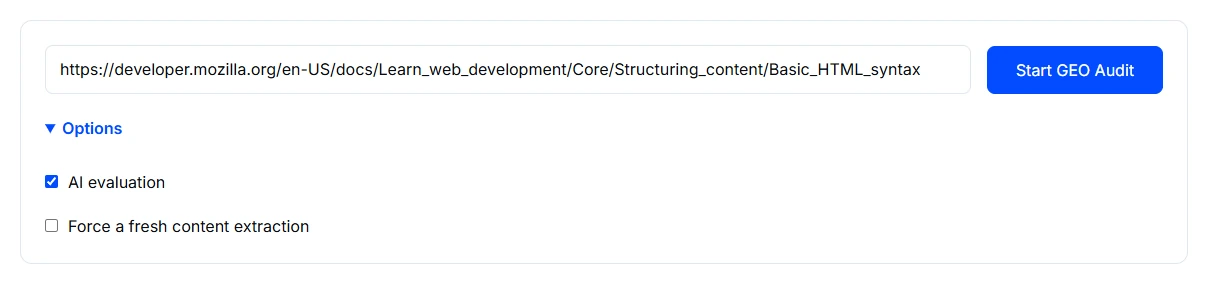
- Open GEO Audit and enter the complete public page URL.
- Expand Options and review AI evaluation, which is selected initially. Record whether it is enabled; the AI assessment and other page checks are separate parts of the result.
- Consider Force a fresh content extraction if the page has changed. Keep the settings consistent when comparing revisions, then choose Start GEO Audit.
Analyse only public content you are authorised to submit. Keep private records and access tokens out of the URL, and review the tool privacy information.
Read an example report
This example audits the public MDN Basic HTML syntax guide with AI evaluation enabled. Read the classification and individual checks before treating the overall score as a work list.
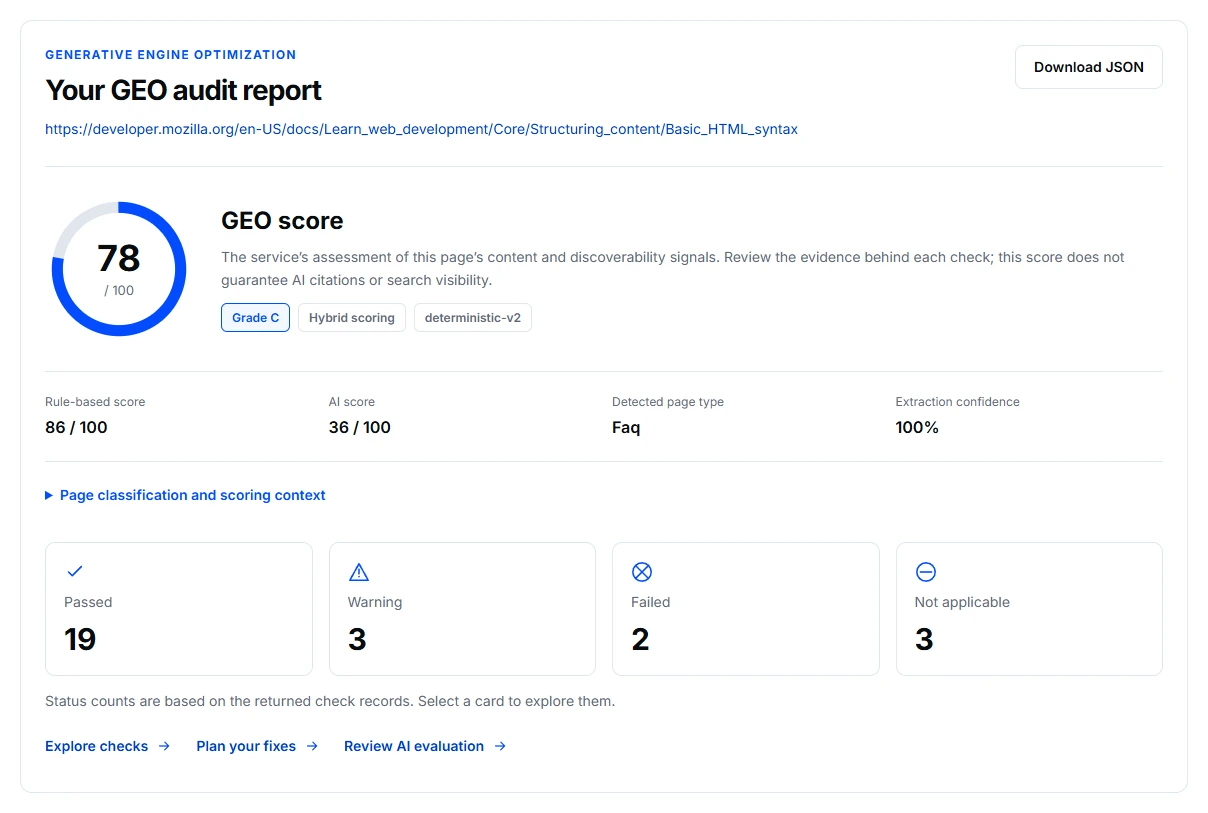
The example labels the page type as Faq, although the source is an instructional HTML guide. That matters: the AI assessment discusses FAQ criteria. Check whether the classification and criteria fit the page before changing its structure to satisfy a score.
The separate AI score in this run is 36/100. Review its explanation alongside the rule-based checks. An AI judgment can be a useful question to investigate without being the right conclusion for the page. Not-applicable checks are excluded from scoring; they are not failures.
Check the classification before the score
Read the returned page type and ask whether it fits the source. A tutorial, product page and FAQ answer different questions. If the classification is wrong, a recommendation based on that classification may not belong on the page.
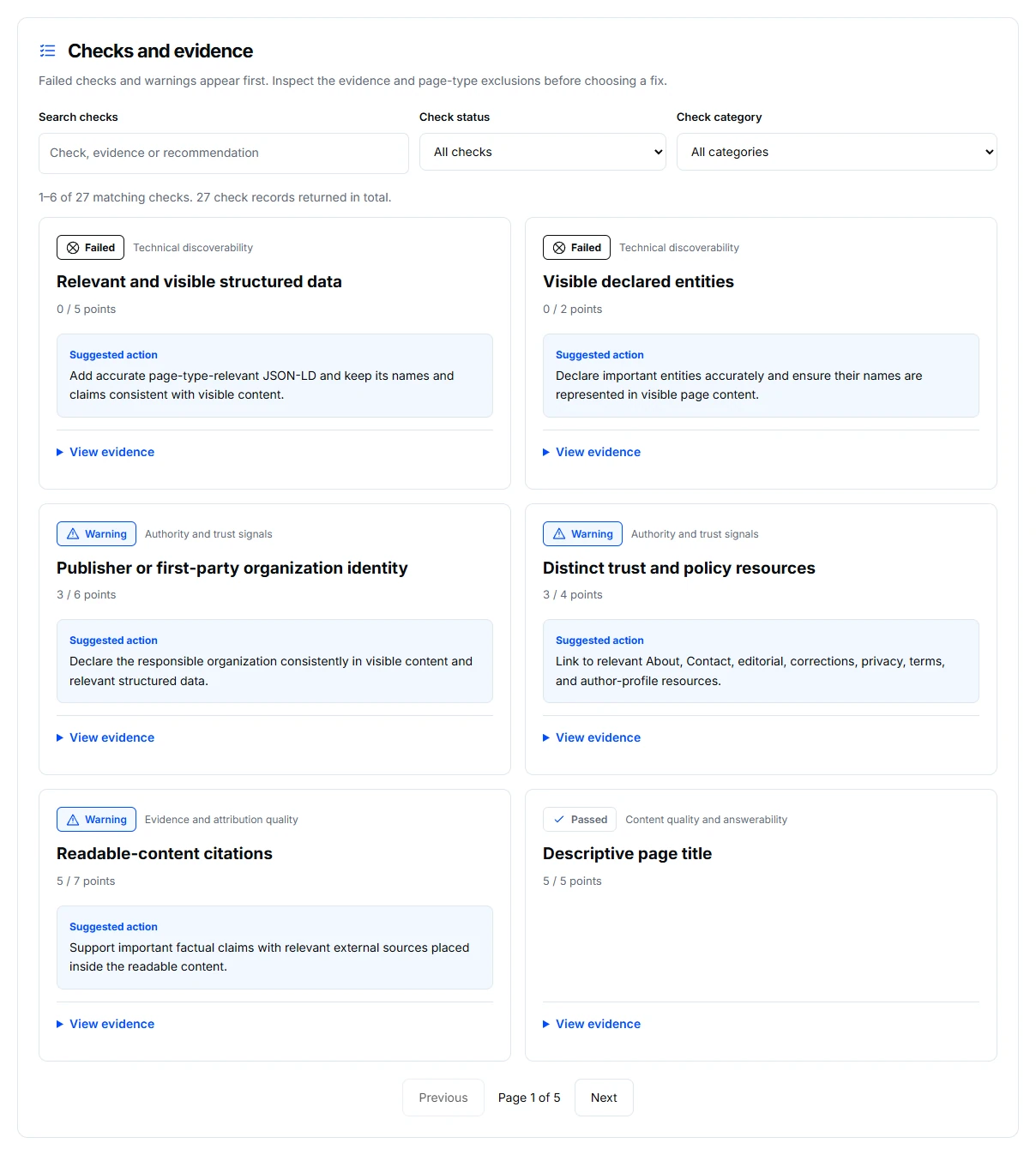
Open Checks and evidence and inspect the observations behind a failure or warning. Confirm that the cited material exists and that the suggested change would improve the answer for the intended reader. Treat unsupported claims as questions to investigate.
Keep the two assessments distinct
Review the page checks and optional AI evaluation separately. A difference between their scores does not mean one should be averaged into the other. Read their explanations and identify the evidence each uses. Not-applicable checks are excluded from scoring rather than counted as failures.
Choose a verifiable content change
Translate a useful finding into a specific edit: clarify the question being answered, explain a broad claim, improve the section structure or provide an appropriate supporting source. Check the factual content with the responsible person before publication, then compare the relevant finding using the same settings.
Know the limits
The assessment describes the retrieved page and the tool's criteria. It cannot show that an AI service has indexed, cited, recommended or trusted the business. AI judgments can be incorrect; a score does not guarantee inclusion in an answer.
If evidence or results are missing
Check the page retrieved and whether AI evaluation was requested. Use Content Extractor when the underlying content appears incomplete, and follow the troubleshooting guide for failed requests.